In the previous article on Codeless Automation, we learnt what is Codeless Automation, expected features, Advantages and disadvantages of Codeless Automation. Let’s cover the main aspect of Codeless Automation i.e The Codeless Automation tools.
I haven’t included the major, probably one of the largest tool Tosca here, rather I tried to focused on the other relatively light weighted and cloud based tools as most of the Testing professional would be aware of Tosca, however aim is to expand the knowledge so focused on the different tools. So let’s get started.
Please note #1 till #10 are not the rankings, these are just the listing numbers.
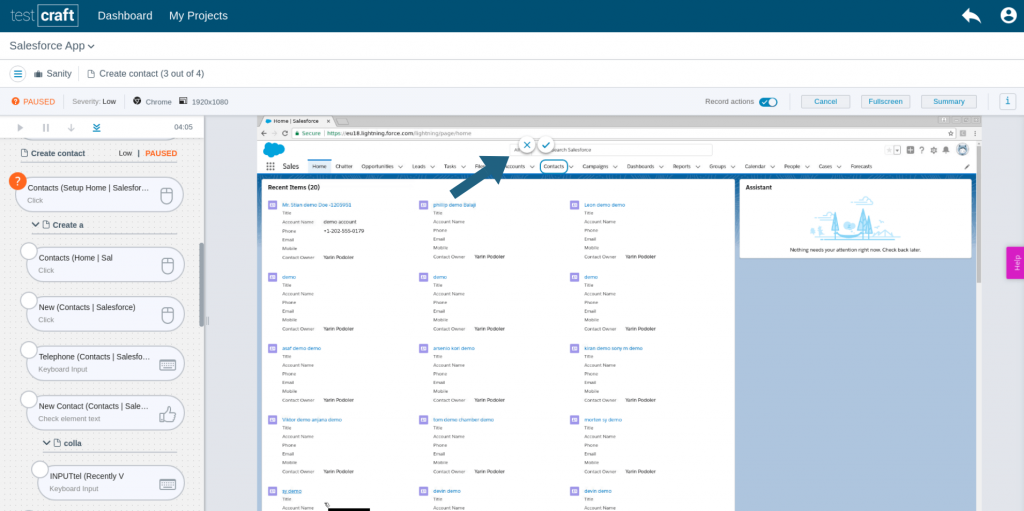
#1 Testcraft.io
Test craft is a pure sass codeless test automation platform.
Enables QA testers to easily automate their test scenarios and boost their productivity.
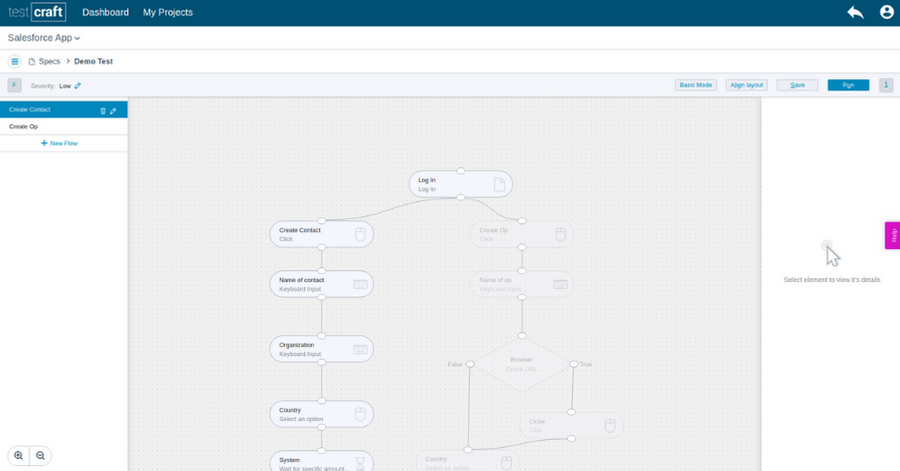
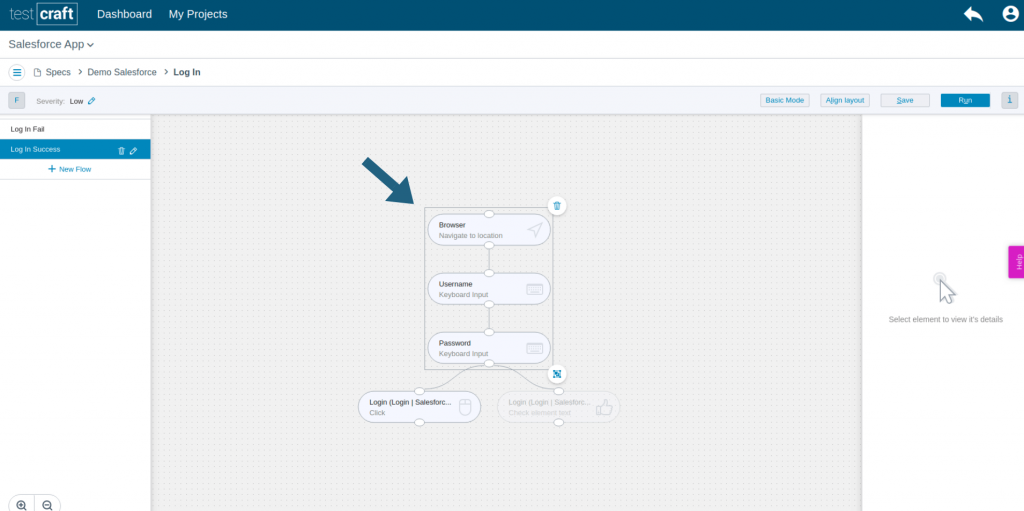
Defines their test scenarios by simply dragging and dropping elements on an online canvas.
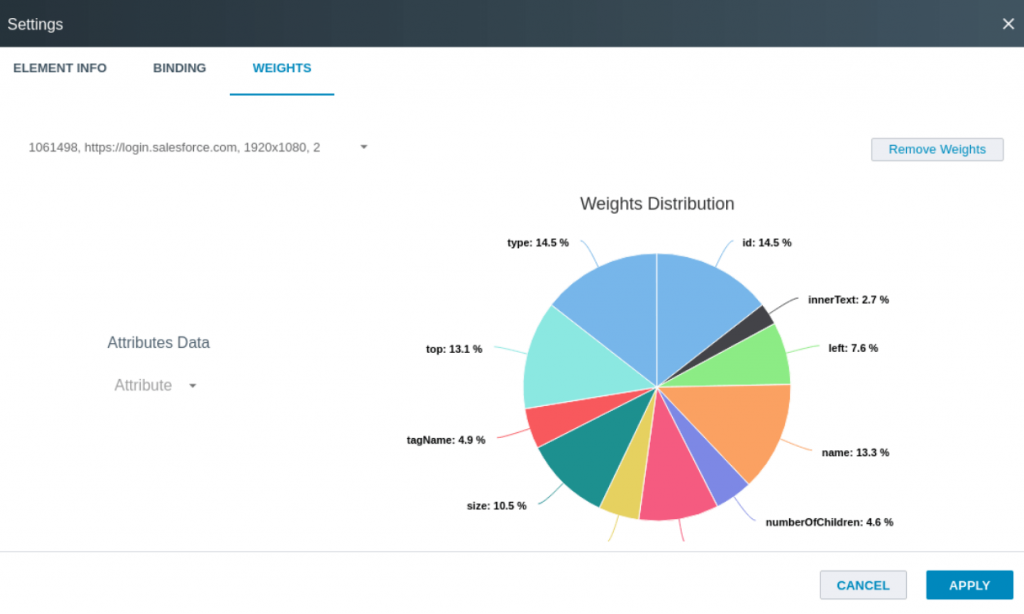
Smart binding technology enables the binding of elements during runtime and assigns a special binding score to prevent tests from breaking.
In the rare event that a test does break, tester can effortlessly rebind the elements on the fly and the test will resume.
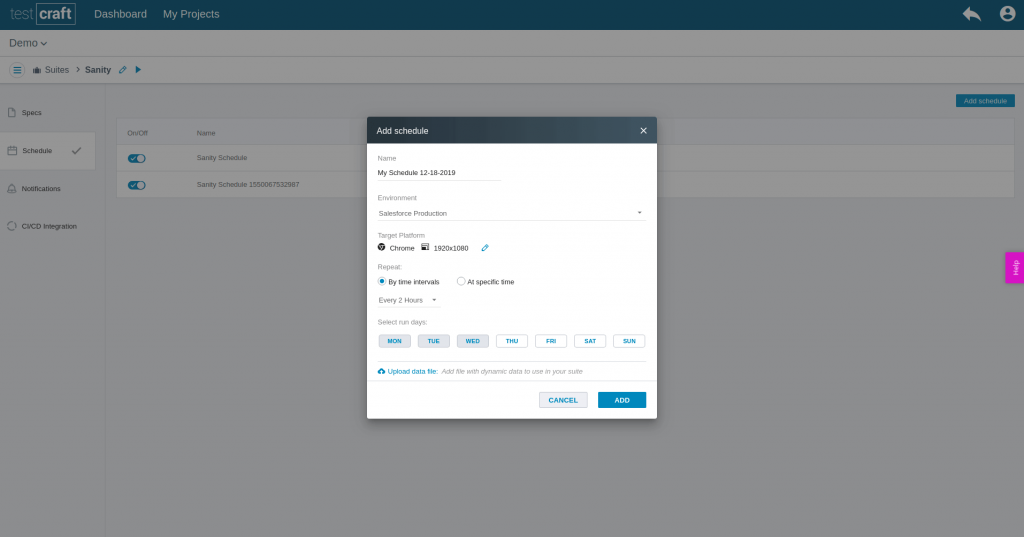
Allows automated test flows and run them on multiple browsers simultaneously on a preset scheduled.
Connects testers to the dev ops chain through seamless integration with common CI CD platforms.
Test craft offers detailed reporting on every test run including screenshots.
Features:
Recording and playback – Yes
Data driven testing / Parametrization – Yes
Training / Documentation Available -Yes
Free trial available – Yes
Platforms supported – Web
Pro:
No automation setup time required.
Completely codeless.
Test Management, Issue Management, CI/CD support.
Database validation.
Detailed reporting and screenshots.
Run tests on multiple data sets.
Auto schedule.
Cons:
Minor Issue with cases where the user needs to go to a different site outside of our app.
Sometimes the interface isn’t as responsive as expected.
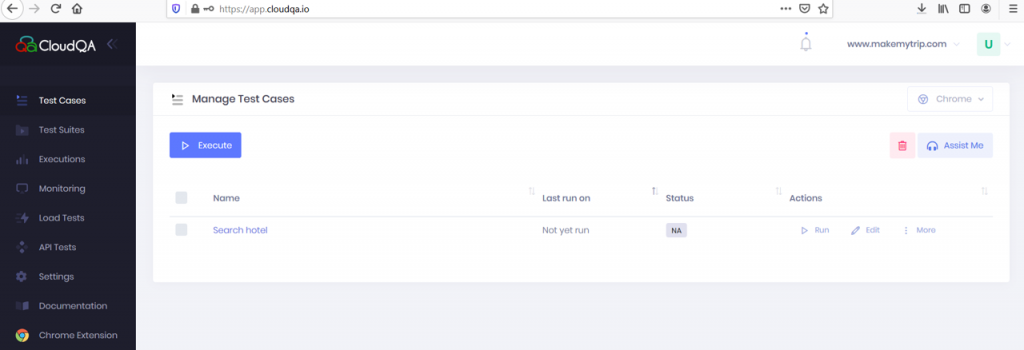
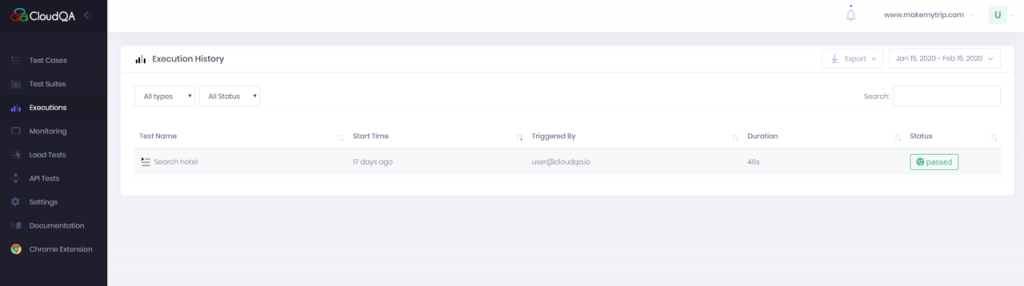
#2 Cloudqa.io
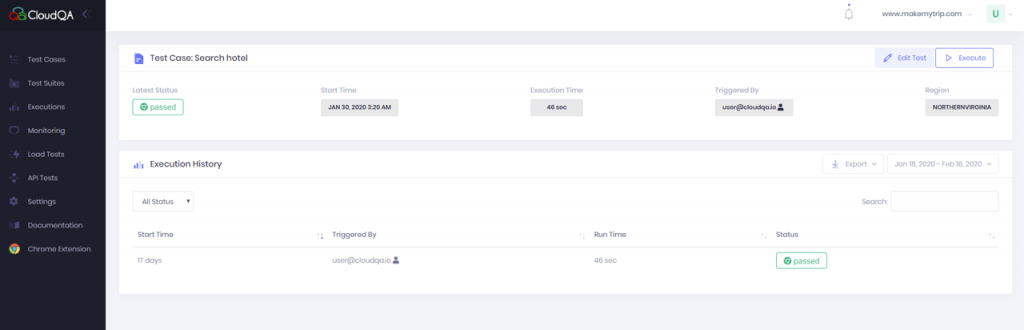
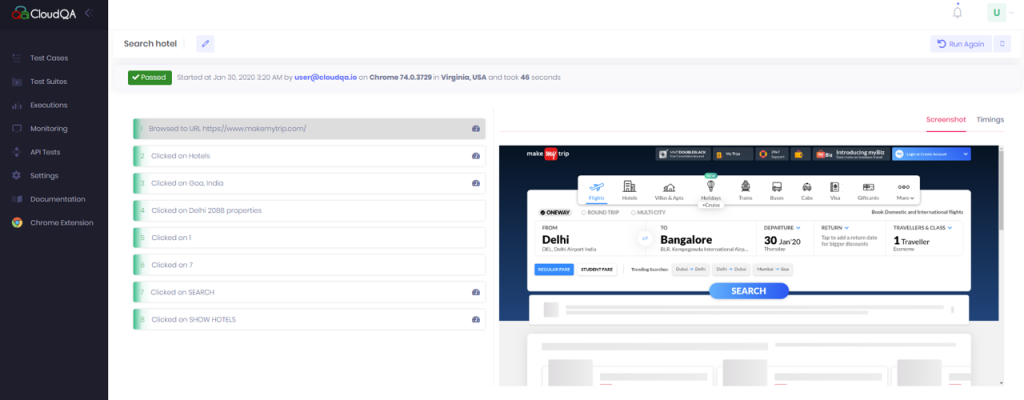
Cloud QA(TruRT) is a cloud-based web application testing tool that helps save time and money by automating the testing process.
Create automated tests quickly, even non-technical users can create automated tests in minutes.
Supports cross browser and data-driven testing i.e. can be run against multiple browsers or different datasets.
Can discover test cases for application can be set up without coding.
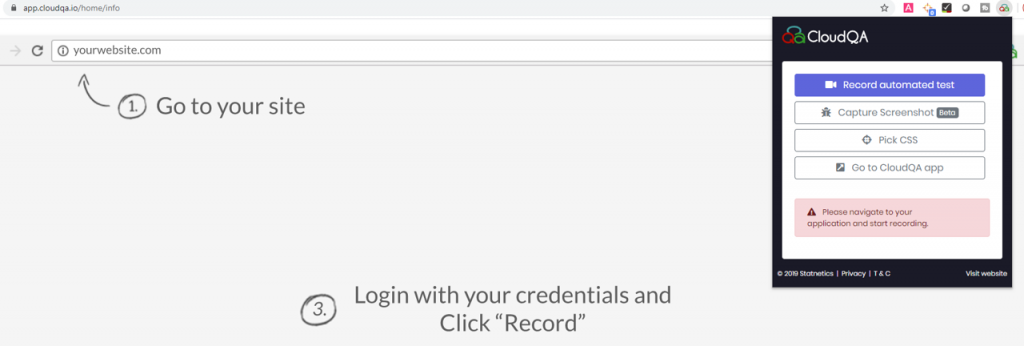
Screen capture tool for Defect reporting and requirements
Features:
Recording and playback- Yes
Data driven testing / Parametrization – Yes
Training / Documentation Available – Yes
Free trial available – Yes
Platforms supported – Web
Pro:
Collaborative web interface, well-designed and quite intuitive.
Record and play in few clicks.
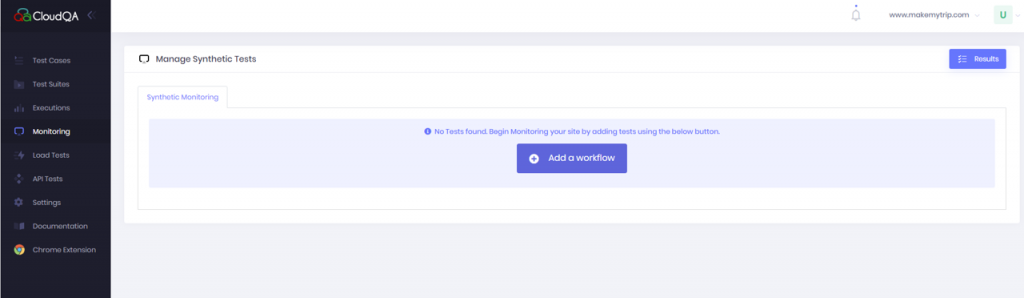
Features like monitoring, Performance testing and API testing may make the life of tester easy.
Good Customer support.
Cons:
Some issues while using specific external apps like Salesforce.
At some places, better user experience may be required, example, multiple clicks on some places.
Code view is not available.
#3
Testing-whiz.com
A Codeless test automation solution for automation of web, mobile, database, cloud API.
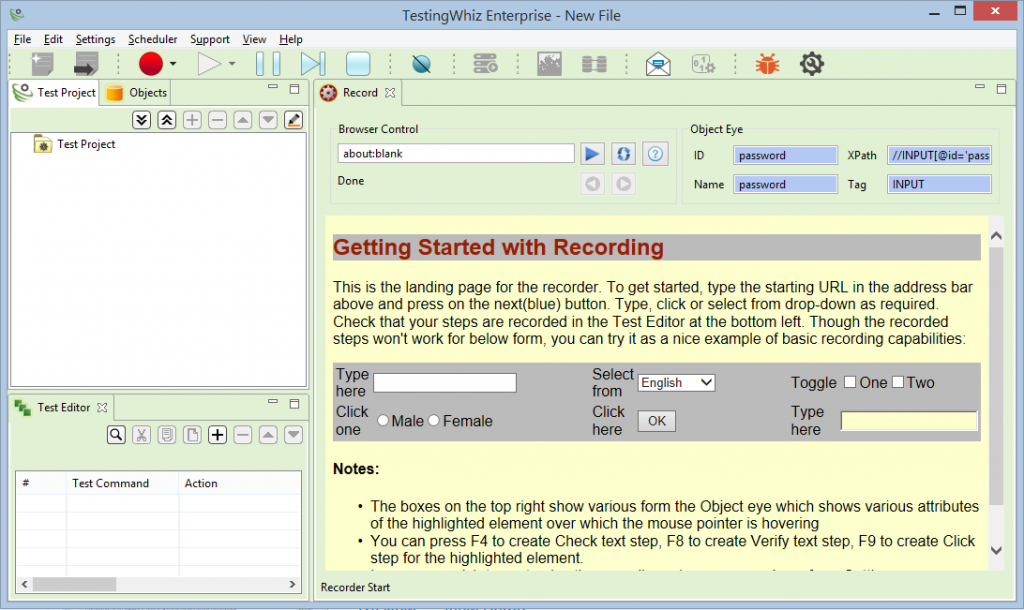
Object Eye and Visual Recorder helps to make it easier to prepare the test script as compared to other programmable testing solution.
Inbuilt Automation Engine creates automated test cases, on keyword and data-driven structure, object-based architecture with Java script.
Easy to maintain and update the test steps with reusable test commands and the inbuilt test object repository.
Integrated Mobile recorder supports automation of test recording and execution on multiple applications and devices
Import a CSV and XO file and perform data verification data comparison.
Support rest Web Services testing and soap web services testing using two simple executable commands.
Features:
Recording and playback – Yes
Data driven testing / Parametrization – Yes
Training / Documentation Available – Yes
Free trial available – Yes
Platforms supported – Desktop, Web, Mobile, Database, Web Services and API testing.
Pro:
Automates a wide variety of testing types including Regression Testing Web Application Testing Cross-Browser Testing Database Testing Web Services Testing Mobile Application Testing
Stress-free, instinctive and cost-effective Test Automation Solution for web and cloud.
Good Customer support.
Cons:
Less documentation
No desktop automation
No dedicated mobile recorder available to seamlessly record the test
Object Eye Internal Recorder stores all web controls using the Object Eye® built-in recorder to create highly modular scenarios for complex test cases.
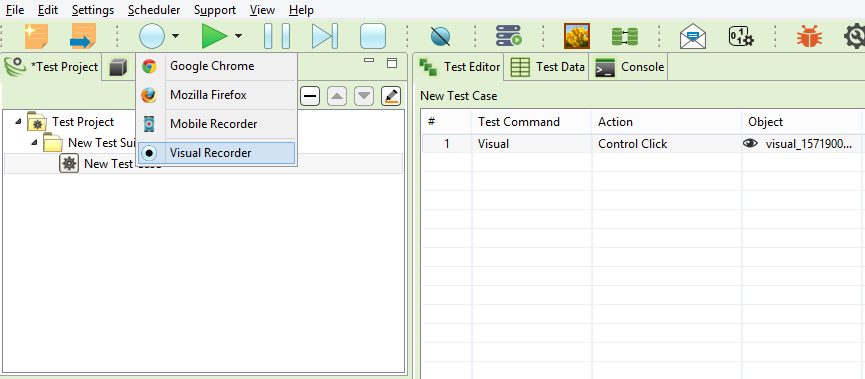
Visual Recorder automates testing of desktop-based applications, widgets as well as flash applications using inputs from onscreen actions such as Click, Input, Scroll, Right Click,
Double Click, Cancel.
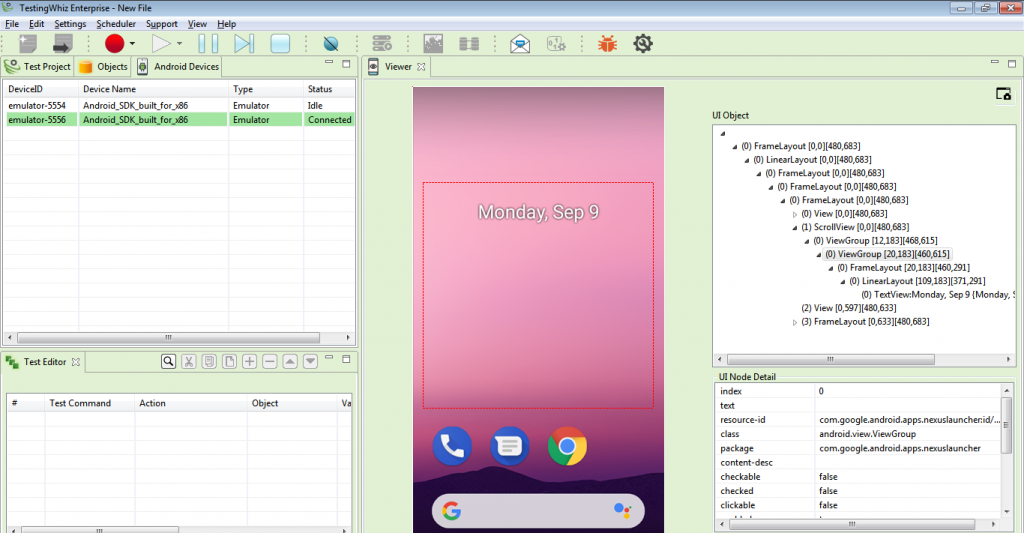
Integrated Mobile Recorder automates test recording on multiple mobile applications and devices.
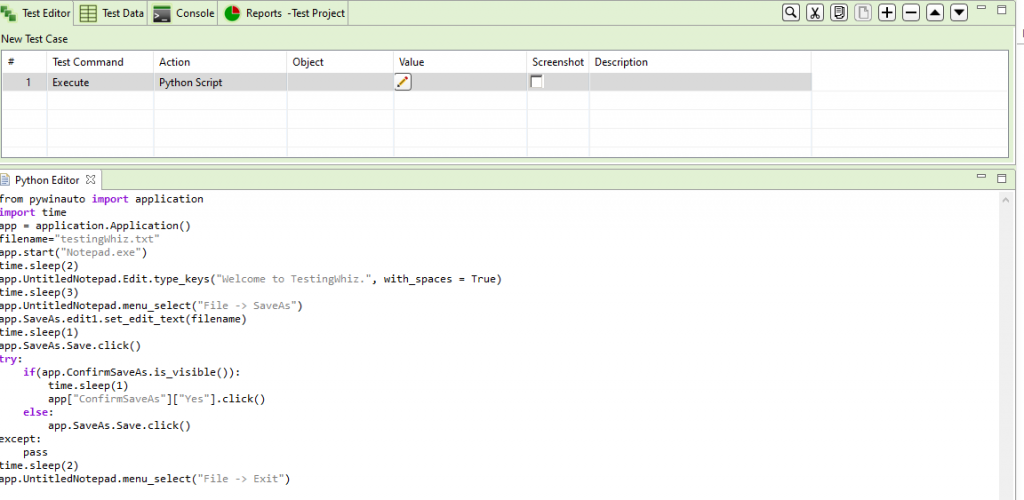
Integrated Python Editor - creates a new python script or import existing script to make the tool capable to handle out-of-the-box scenarios.
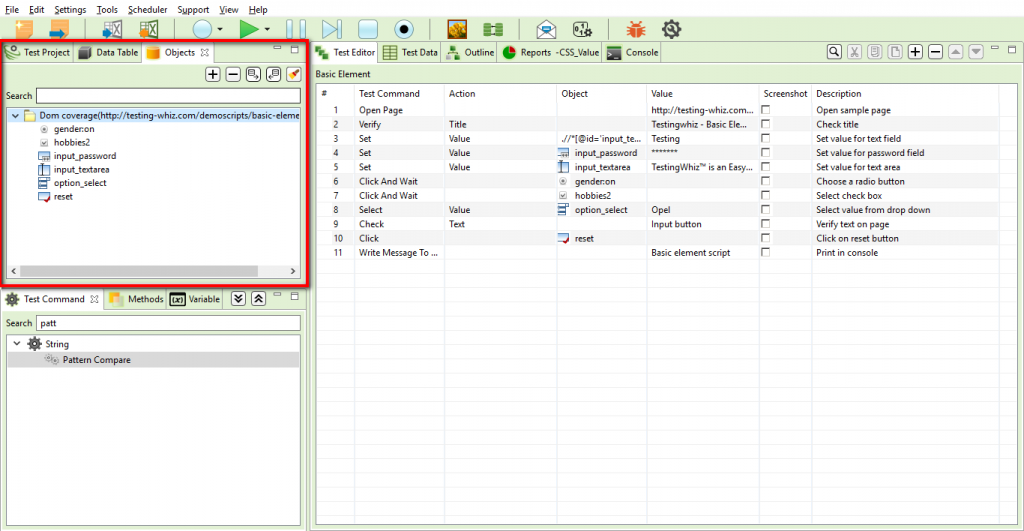
Centralized Object Repository facilitates the reusability of objects across all the users and test cases distinguishes the collaborative development practice. Objects can be stored in RDBMS instance where as Import / Export of objects from local to a centralized repository is done over an intuitive UI.
#4 EndTest.io
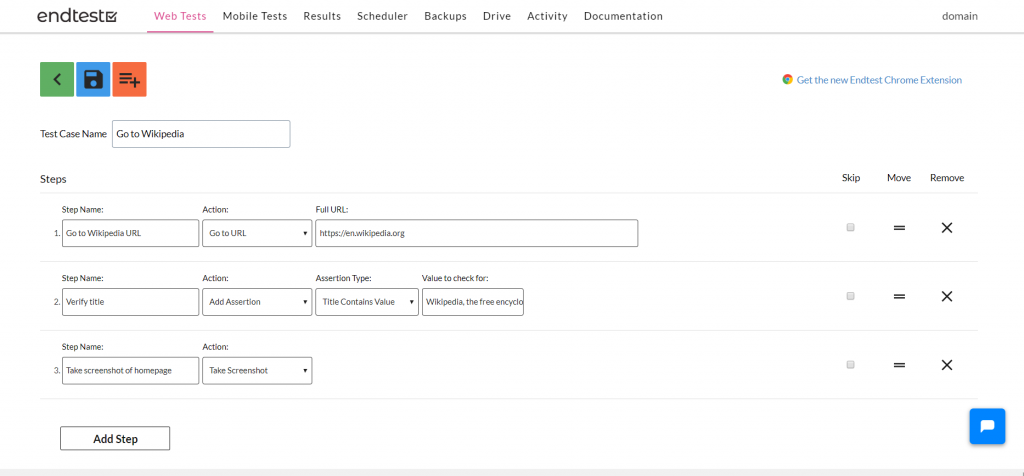
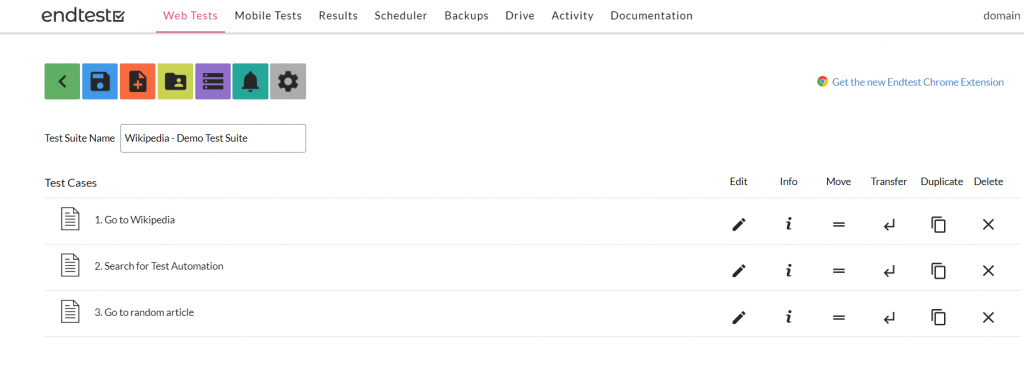
Endtest supports to easily create and manage complex Automated Tests with it’s user-friendly UI.
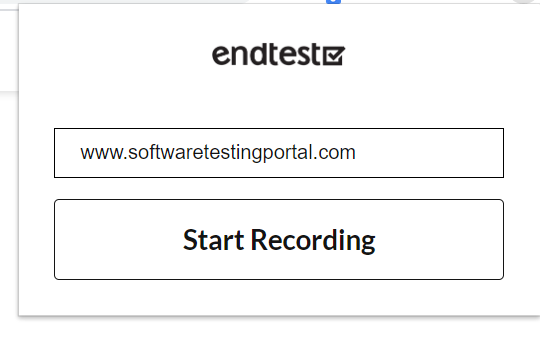
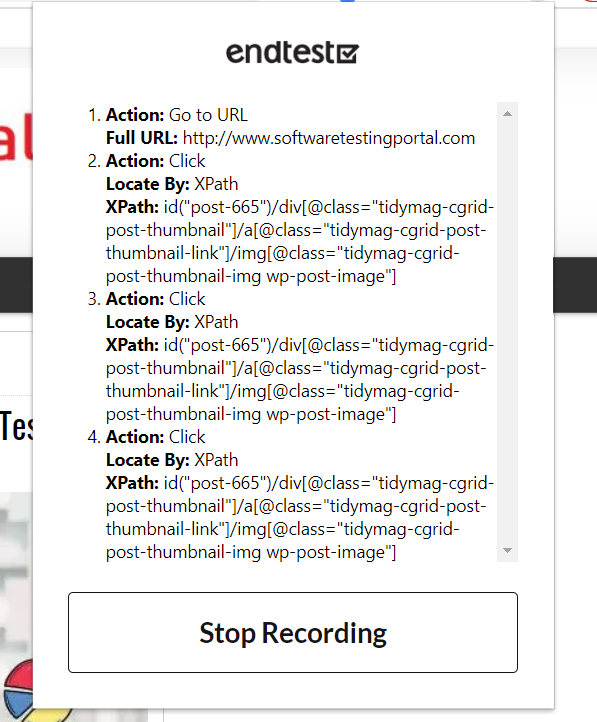
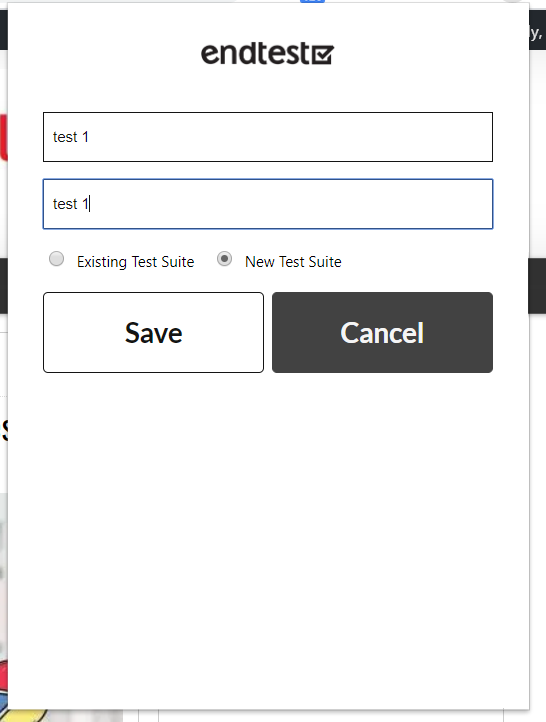
This Chrome extension allows you to record Web Tests directly in Chrome browser.
It uses Machine Learning algorithm which learns the application(AUT) and automatically creates and maintains tests.
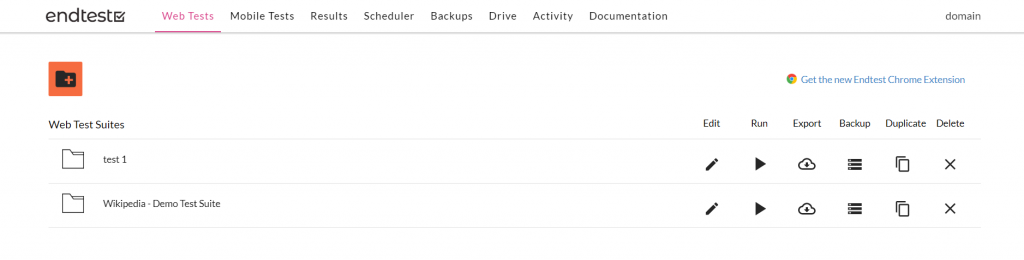
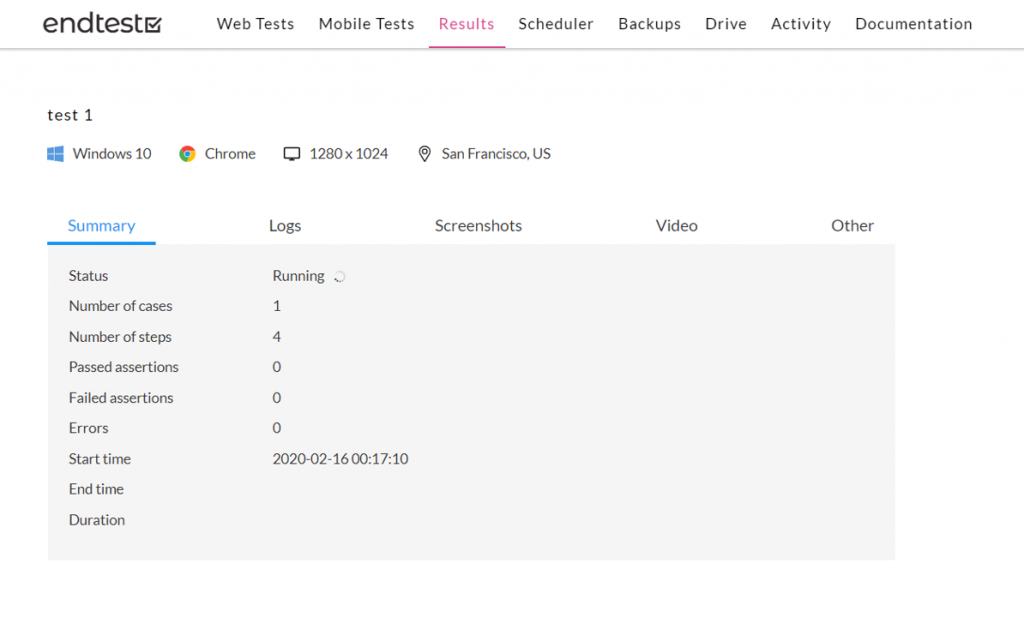
Tests are saved directly into Endtest account.
No setup, no installation needed.
Everything is done in the cloud.
It is completely codeless.
Permanent premium support.
Self-healing tests, powered by Machine Learning: the platform learns more and more about your application and automatically maintains your tests.
Gives your team a break.
Better visibility into app performance.
Reusable tests for code that gets frequent updates.
Features:
Recording and playback – Yes
Data driven testing / Parametrization – Yes
Training / Documentation Available -Yes
Free trial available – Yes
Platforms supported – Web
Pro:
No setup or installation required.
Completely codeless.
Customer Support is a plus.
Cons:
Some additional features around UI might make it even more useful.
Presentation of Failed Test results.
Documentation needs to have more coverage and examples.
#5 mabl.com
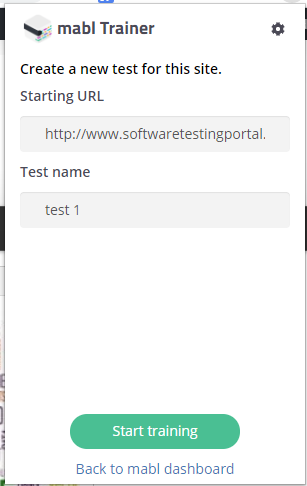
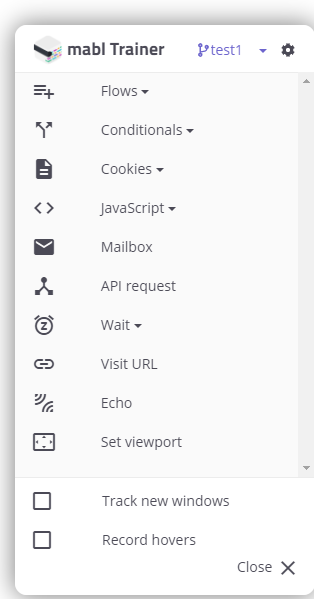
mabl offers automated self-healing tests that are easy to record and test web apps, emails, APIs, and PDFs.
Get clear test results with screenshots and humanized logs.
Runs in the cloud on Google cloud platform so setting up or maintaining any infrastructure is not required.
Can hold, schedule and run multiple tests at certain intervals.
Features:
Recording and playback – Yes
Data driven testing / Parametrization – Yes
Training / Documentation – Yes
Free trial available – Yes
Platforms supported – Web
Pro:
Reliable UI tests that integrate into CI/CD pipeline.
Parameter Testing
Requirements-Based Testing
Hierarchical View
Security Testing
Supports Parallel Execution
Cons:
Certain complex elements in the UI are difficult to handle and therefore custom Javascript code is required or have to contact Mabl support.
Run-time of the tests is slower when compared to the other tools.
#6 usetrace.com
An automation testing tool for web-based applications.
Code-free editor allows to design robust cross-browser tests.
Doesn’t require coding and reusable modules make tests quick and easy to create and maintain.
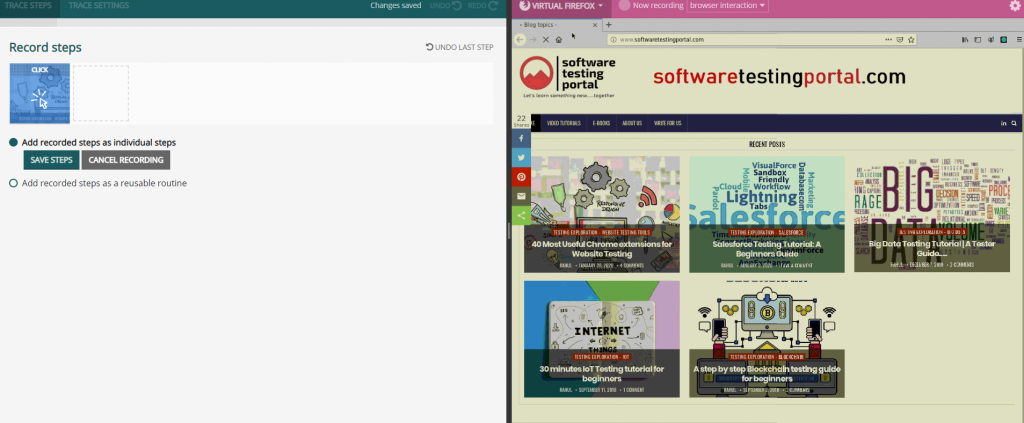
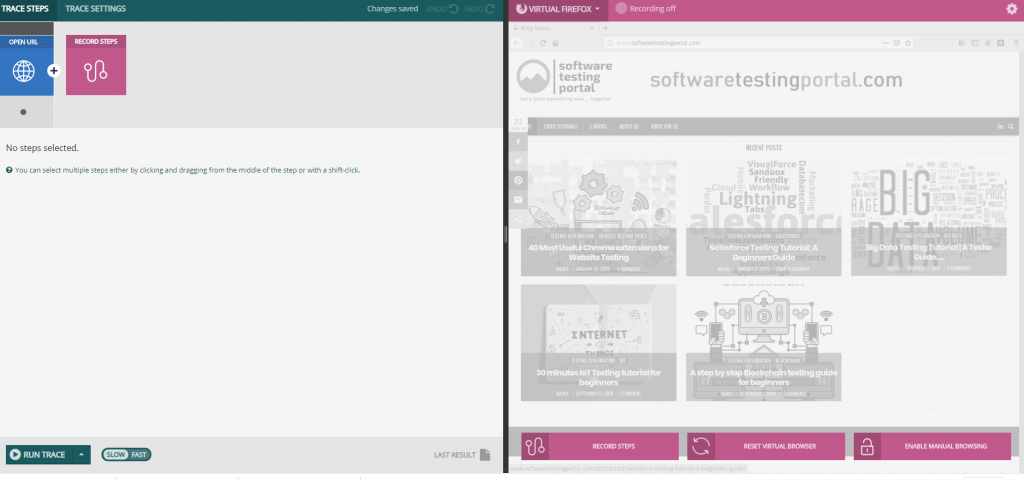
Test cases are composed of reusable routines, allow effective test maintenance.
Test cases are run automatically in parallel in the cloud.
Every software build is tested in a few minutes and reports are sent to email, Jenkins or Slack. Provides the power of Selenium without coding. Show Usetrace’s artificial user your web app and then it handles repetitive UI testing.
Features:
Recording and playback- Yes
Data driven testing / Parametrization – Yes
Training / Documentation Available – Yes
Pros:
Easy setup, start immediately in the browser.
Reusable test cases, Modular parametric use cases.
Test with a variety of browsers including Google Chrome, Firefox and Internet Explorer.
Test responsive design with varied screen sizes. Report scheduling feature.
Cons:
A bit difficult to understand initial set up.
Need more documentation.
#7 Sahi Pro
Sahi Pro is an end to end test automation tool which allows testers to test any technology across any platform.
Open source and Proprietary versions are available in this tool, both supports Java and JavaScript.
Rich features including Recorder, Object spy, Inbuilt framework, Automatic logging and reliable playback make scripts creation easy.
Rich set of APIS including REST and Web Services testing, database, Excel or CSV file for data-driven-testing.
Automatic waits for page loads and ajax activities whereas upon failure, Sahi automatically retries a few times therefore, no need to add wait statements.
Playback includes Parallel, Distributed and batch processes
Features:
Recording and playback – Yes
Data driven testing / Parametrization – Yes
Training / Documentation Available – Yes
Free trial available – Yes
Platforms supported – Web, Desktop, Mobile.
Pro:
Multiple Web Browsers support
Web, Desktop, Mobile Apps
Powerful APIs
Batch Playback via Data Driven Suites.
Eliminates the need to wait for statements, even for inconsistent page loads.
Supports the applications with dynamic ID whereas Recorder and Object Spy do the guesswork out of scripting.
Frameworks are Business friendly i.e. less technical so fewer coding requirements.
Automatic Logging and inbuilt Reporting feature. Parallel and Distributed Playback.
Continuous Integration support via ANT
Cons:
Documentation help might need to be a bit more.
Sometimes time required to run, and reporting failure is more than expected.
#8 Testarchitect.com
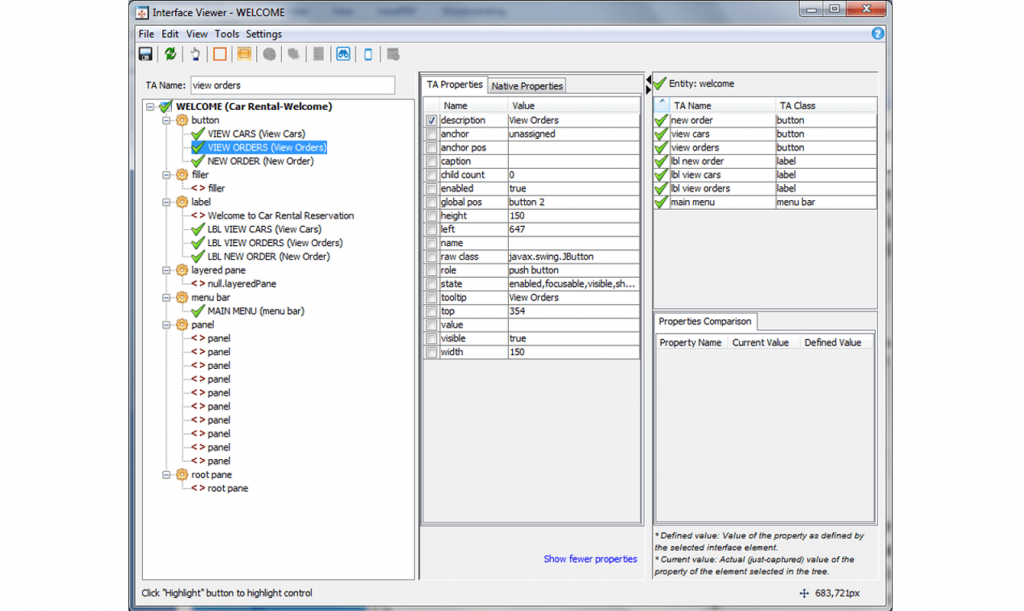
TestArchitect embeds a method and workflow that enables team members to organize tests well, give them a clear scope, and keep them at the level of abstraction to meet the scope.
Test architect is the modern keyword driven test automation platform for large-scale test automation.
Test architect lets you create and maintain tests faster than ever before by replacing automation scripts that often require days to code with keyword driven pre-programmed actions.
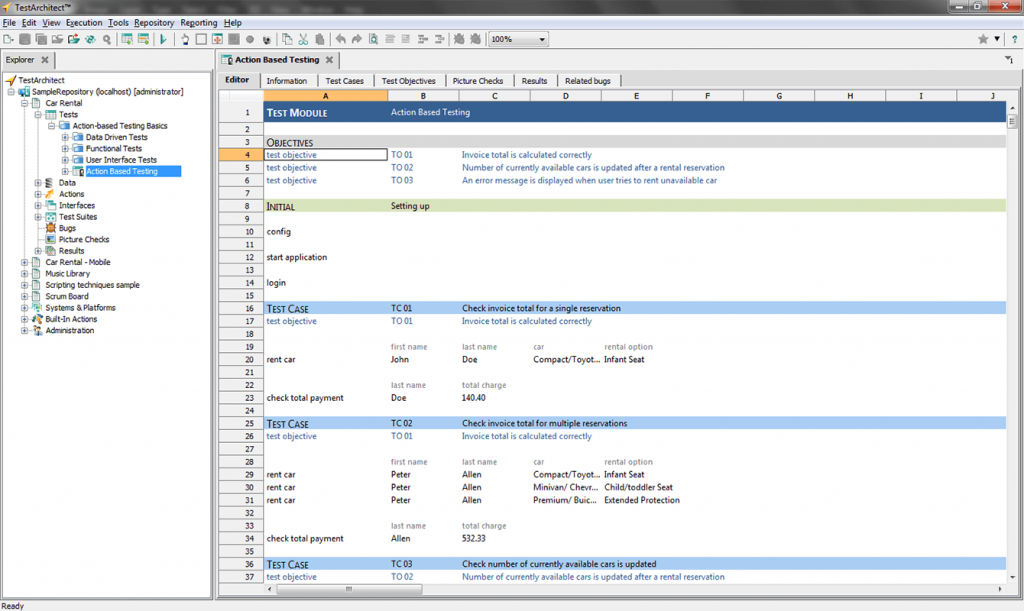
In test architect a test plan is comprised of individual test modules each with a well-defined flow of test cases you create using a spreadsheet style test editor.
Tests are written as a series of actions defined by keywords.
A library of over 200 pre-programmed actions that perform interactions with the host operating system controls test execution and interact with the UI under tests eliminate the need for coding.
Inbuilt Type-ahead search predicts the likely actions and prompts for completing the test arguments which speeds up the test design and eliminates typing errors.
Features:
Recording and playback – Yes
Data driven testing / Parametrization – Yes
Training / Documentation Available – Yes
Fre trial available – Yes
Platforms supported – Web, Desktop, Web Services, Databases.
Pro:
Easy to learn for a Manual Tester moving to Automation and intuitive.
Option to use Java/Python/C# Customer support
Cons:
Slow responsiveness especially accessing menu items
More documentation in terms of video training may be required for a New user
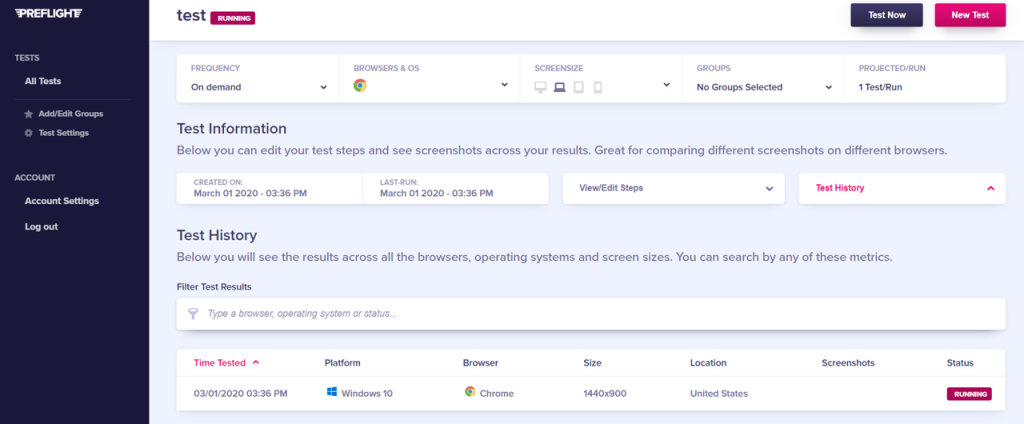
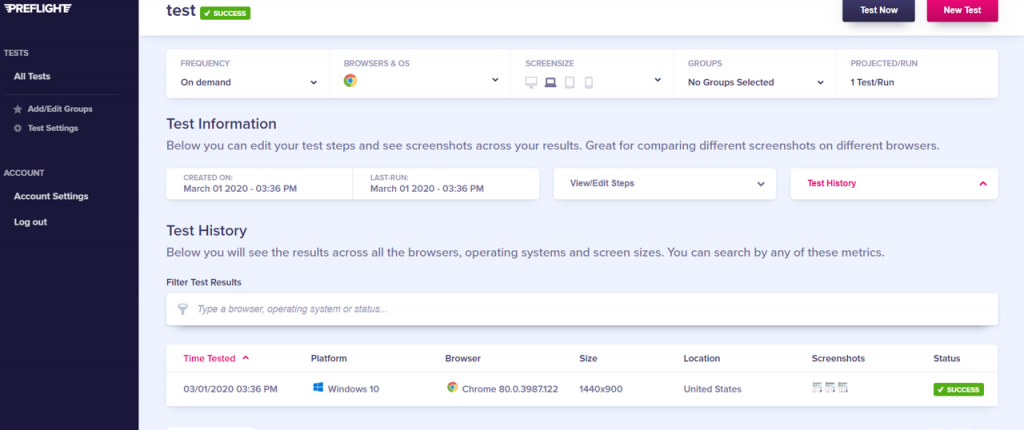
#9 Preflight.com
Create tests in seconds – No code, no selectors, no funny business.
Run thousands of tests in minutes.
Record tests while using your product, using our recorder.
Over 80% of tests created with PreFlight work first time that helps to rapidly increase test coverage.
Fewer false positives and less time spent debugging.
Use a range of different browsers and operating.
Features:
•Recording and playback – Yes •Data driven testing / Parametrization – Yes •Training / Documentation Available – Yes •Fre trial available – Yes •Platforms supported – Web
Pro:
No Coding Knowledge Required in order to create the automation tests Multiple Browsers support Everyone Can Test Automatically
Cons:
Some Intermittent errors Mobile devices/ app support
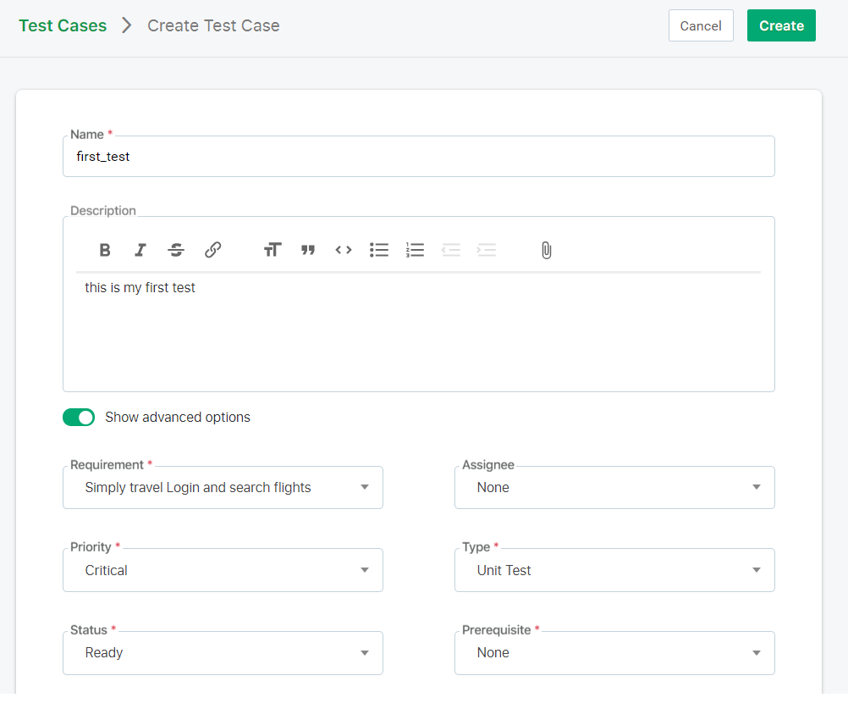
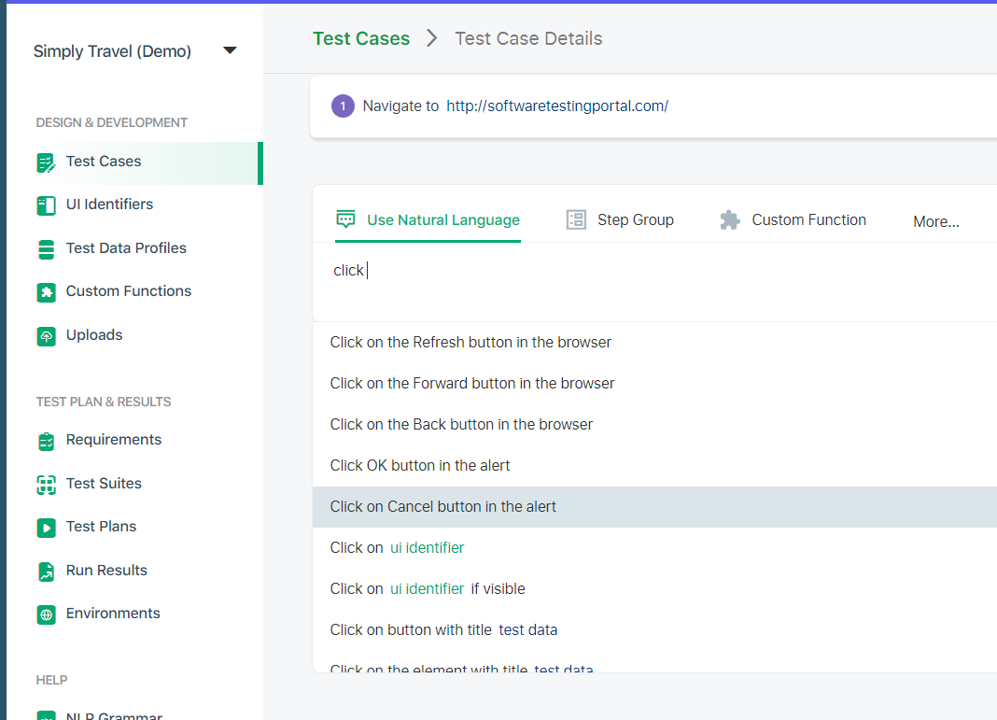
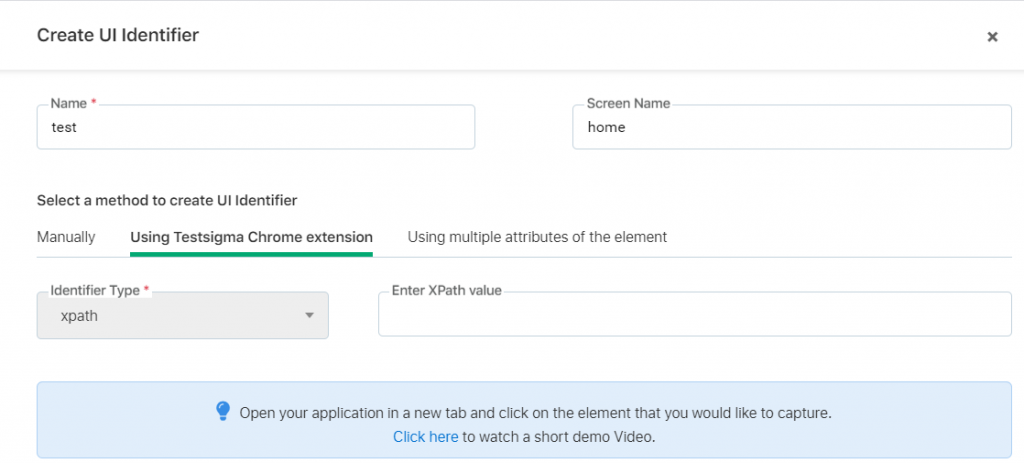
#10 TestSigma.com
Test Sigma is a cloud-based AI driven test automation platform for web mobile web Android apps iOS apps and web services automated testing.
Test Sigma’s simple English based approach make SMEs manual testers QA analysts and everyone a part of the test automation process effortlessly.
Point and Click to create Automated Tests.
Also suggests improvements during test runs to include relevant or affected test cases up front to avoid failures and saves execution time and cost.
Test Sigma’s highly actionable and rich reports and analytics let people at every level take actions immediately to proceed further in the delivery pipeline.
Get comprehensive reports with screenshots, videos and text logs.
A cloud-based test automation ecosystem with thousands of test environments on cloud.
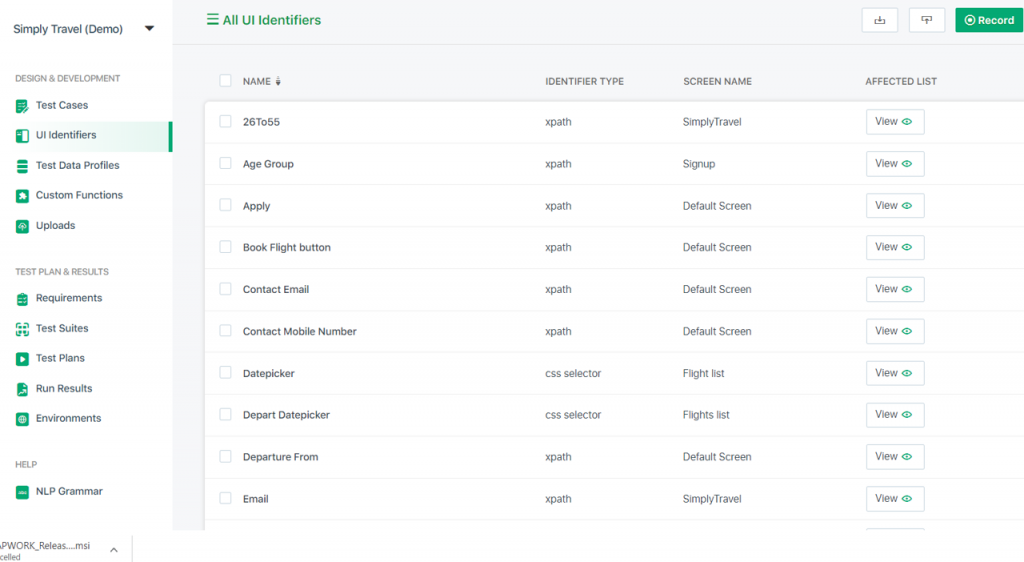
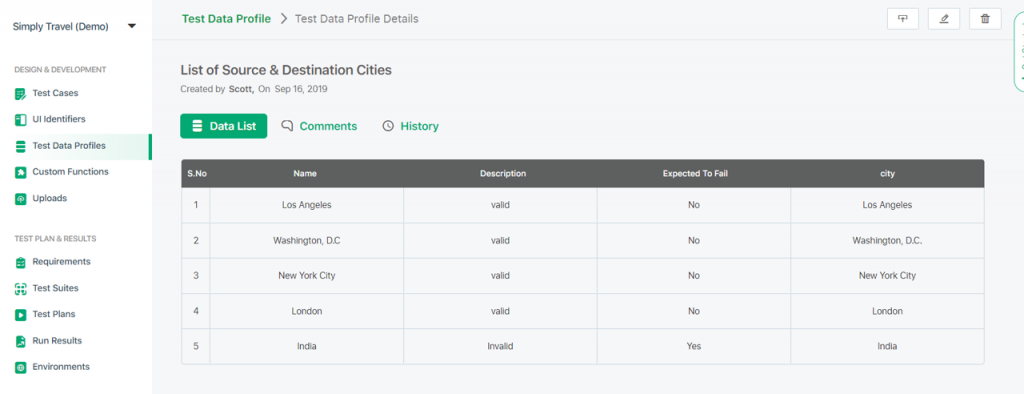
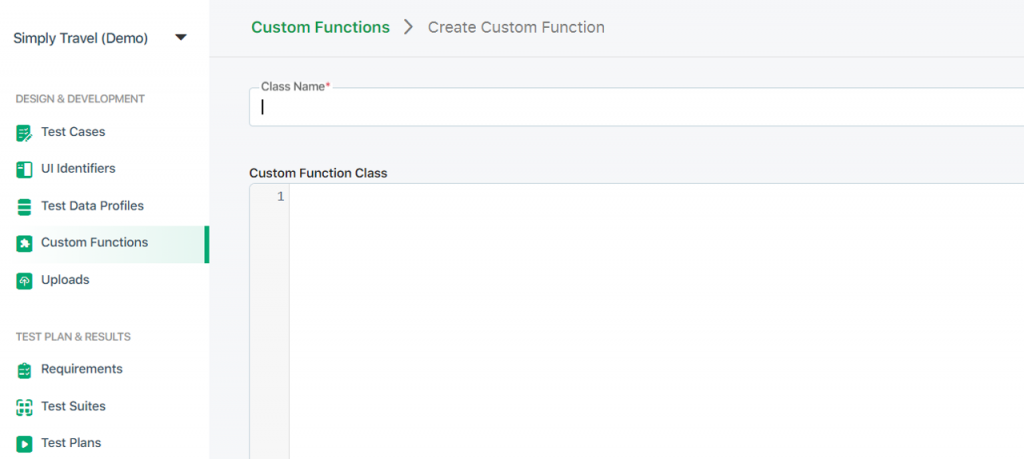
Inbuilt test management, test data management, Object repository, custom functions for flexibility, test Suites, integration with CI CD tools, integrations with test management tools bug reporting tools.
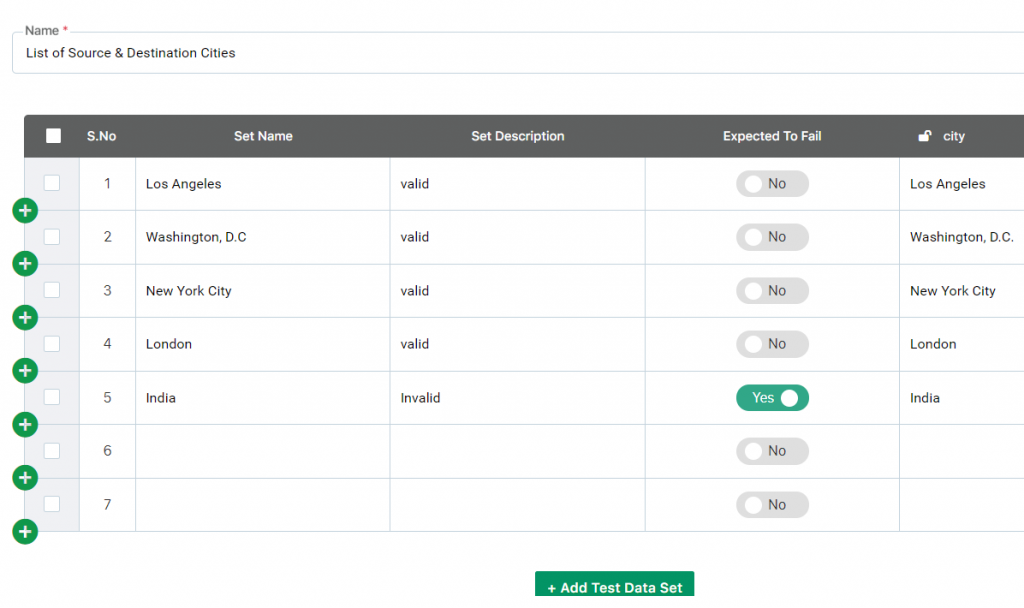
Supports Data-Driven Automation sources from spreadsheets, web services and databases.
Features:
Recording and playback- Data driven testing / Parametrization – Yes Training / Documentation Available – Yes Free trial available – Yes Platforms supported – Web, Mobile, Cloud.
Pro:
Creation of the test cases with flowcharts with building blocks makes it ease to use and learn
Codeless interface supports scripting without programming knowledge compatible for web and desktop applications.
Wide variety of Browsers supported.Out of the box integration with common DevOps tools
Customer service and support
Cons:
Certain flows are complicated and slow. Specific popular CI Integration to Team city is unsupported.
On some instances, it crashes.
Final Thoughts.....
Codeless automation testing has clear benefits and each tool has it's own pros and cons, It's your turn to weigh in and select the right tool that fits in your team's and organisation's need.